If you wish to edit an order, go to the Orders page.
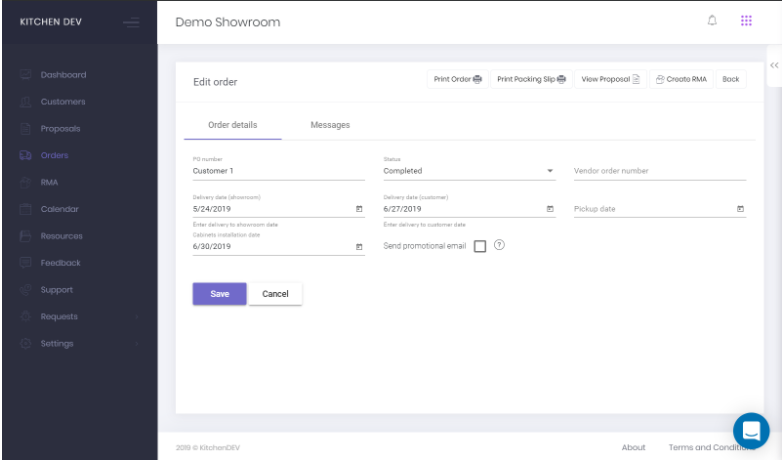
Edit your order to set Status, Delivery Date, Cabinets Installation Date, PO Number, Pickup Date, or Vendor Order Number.
When you’re done, don’t forget to hit SAVE.

If you wish to edit an order, go to the Orders page.
Edit your order to set Status, Delivery Date, Cabinets Installation Date, PO Number, Pickup Date, or Vendor Order Number.
When you’re done, don’t forget to hit SAVE.
