Quoting and ordering software for kitchen and bath
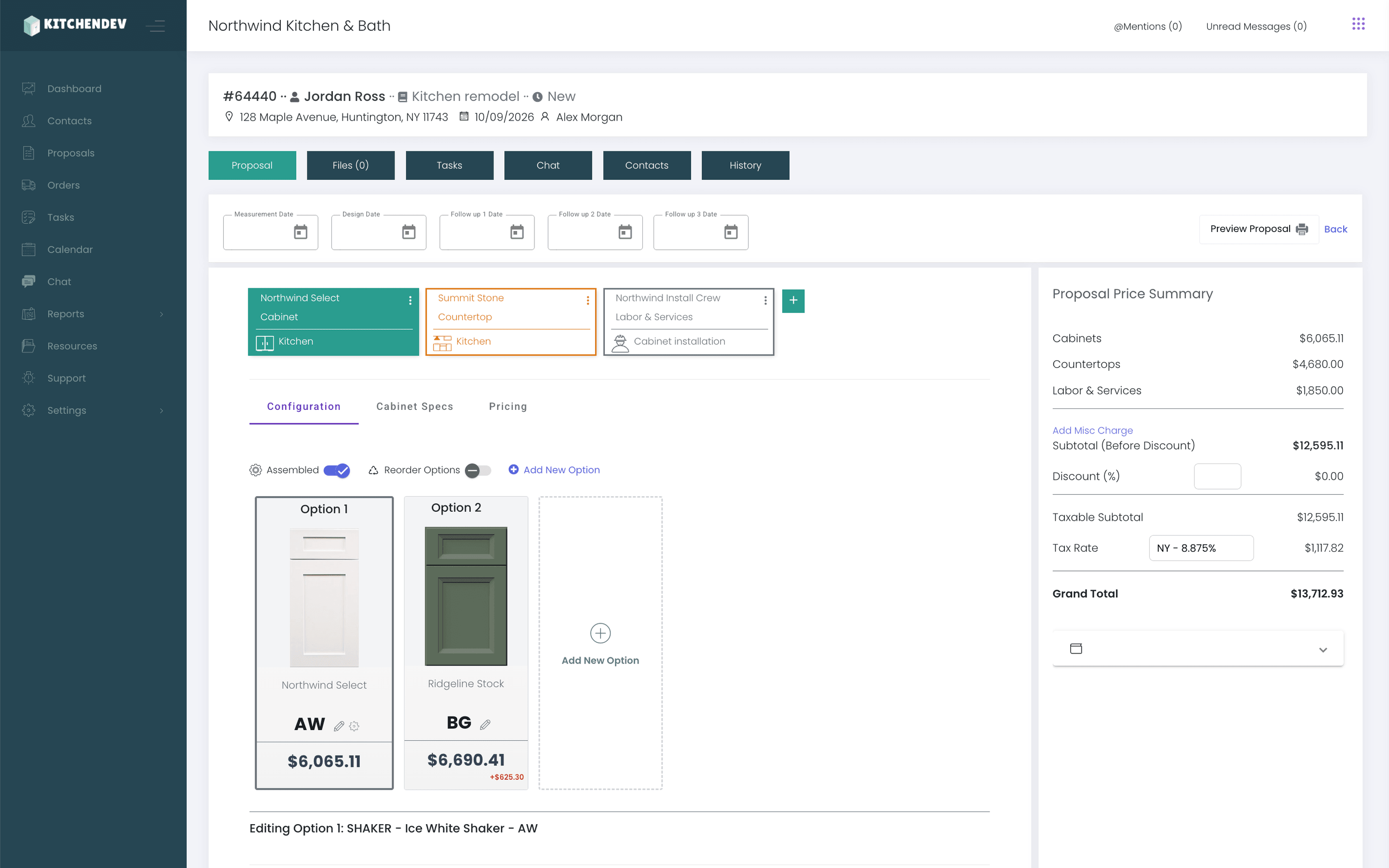
Stop typing the same order twice. KitchenDEV puts your catalog and pricing online and sends each order to your ERP.
100,000+ estimates and orders processed since 2018
Pick your business
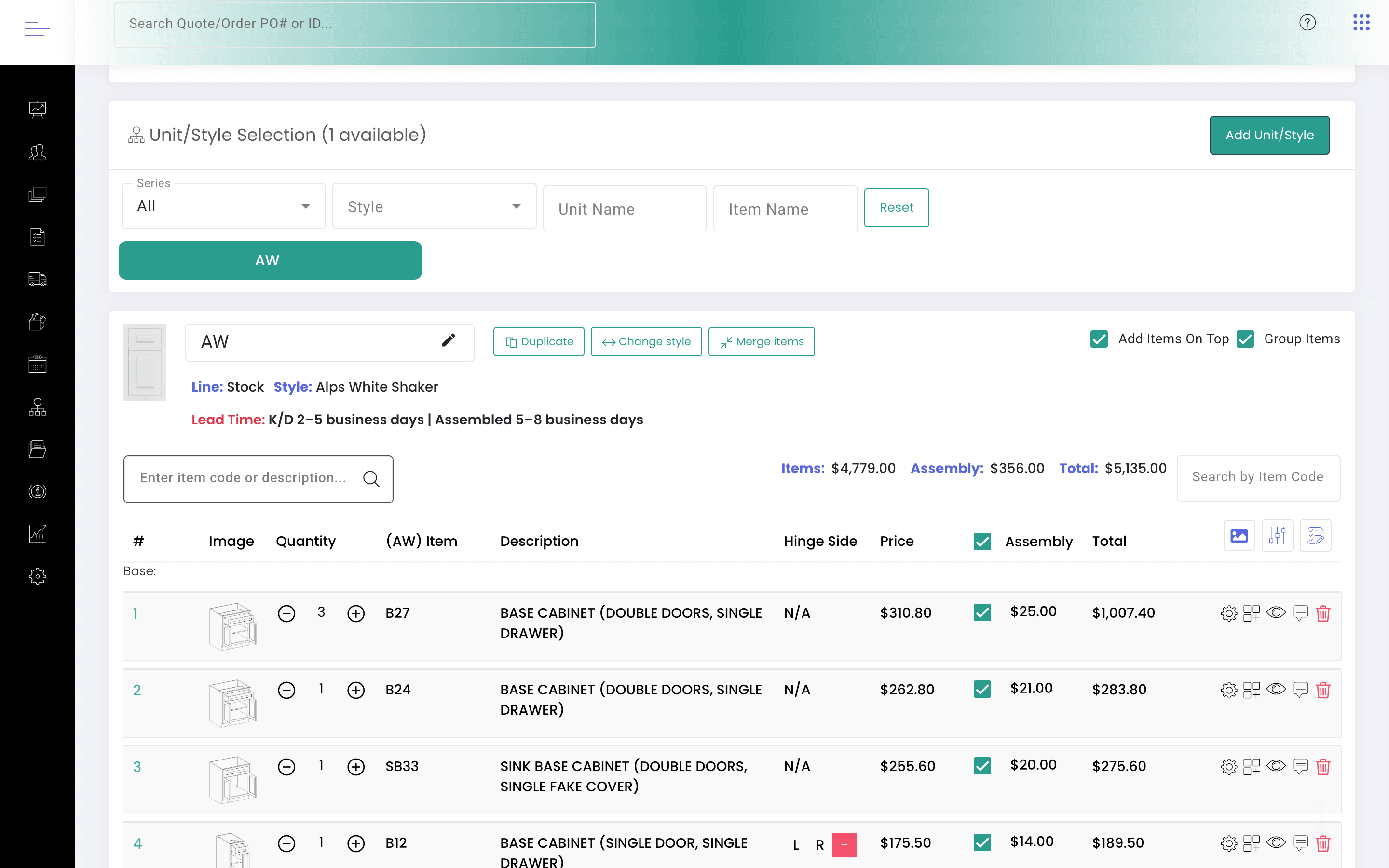
Still retyping emailed dealer orders into your ERP?
- Each dealer sees their own price.
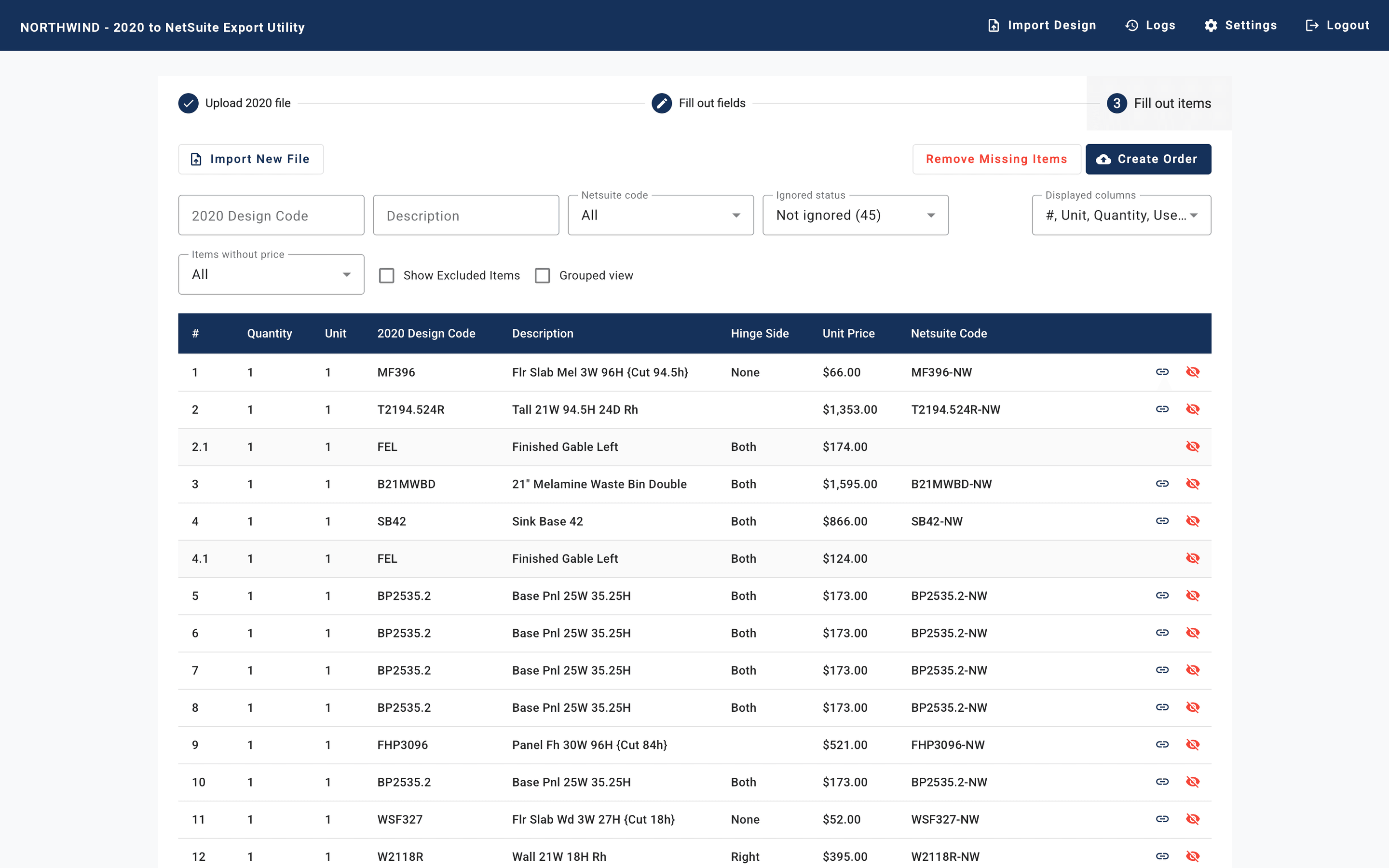
- Orders reach your ERP as data.
Built around your catalog, your pricing and your ERP
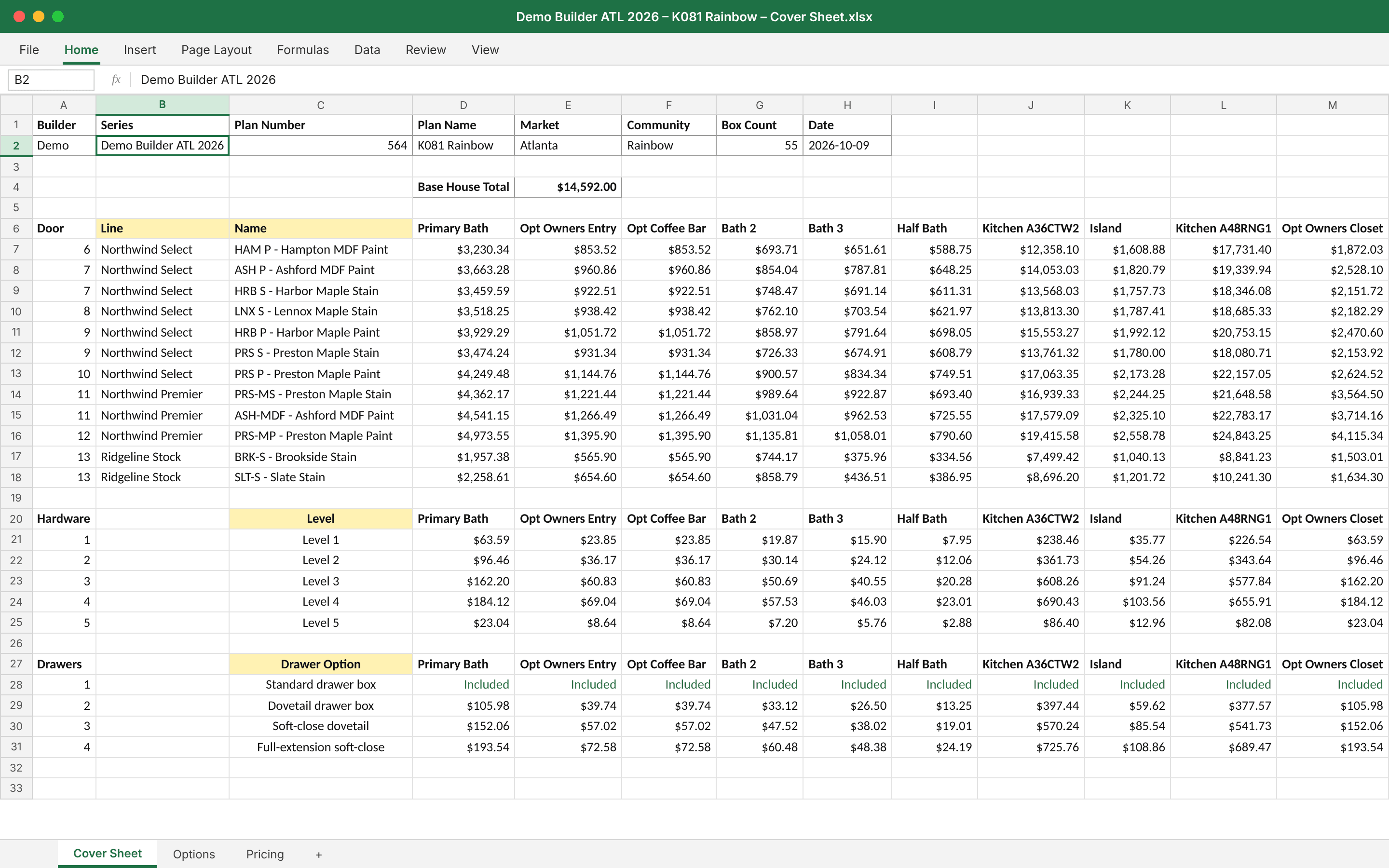
We build your catalog and pricing rules, and connect your ERP where you need it.



How to get started
- 01
A demo around how you sell.
We walk through the product that fits your business, with your questions on the table.
- 02
Send us your price sheets.
And your product images. We build the catalog and pricing rules from them.
- 03
Connect and train.
We connect your ERP where needed and train the people who will use it every day.
- 04
Go live.
Your team starts quoting and ordering, with the people who set it up on support.
“I had two training sessions that went over very well this week as far as the feedback about how good our portal is compared to others. I appreciate all you do to make it an excellent tool!”
“This is such a good tool. This is literally exactly what we needed. And it's so easy to use, and it aggregates so much paperwork into one place.”
“Everything's translating over into NetSuite really, really well. I haven't noticed any glitches with the KitchenDEV program at all.”
Questions buyers ask
Cabinet manufacturers and distributors, kitchen and bath showrooms, and builder services suppliers in the United States and Canada. Each has its own product.
No. KitchenDEV handles the catalog, pricing, quoting and ordering. Your ERP keeps accounting, production and inventory. Orders can post from one to the other.
No. You send price sheets and images, and our team builds the catalog.
Monthly subscriptions, month to month. See the pricing page for what each product includes.
Same-day acknowledgment, and most issues resolved in 1 to 2 business days. There is no paid priority tier.
Not at the moment.
See how it would work for your business
Tell us how you sell, and we'll show you the product that fits.